 ChronoStock

Features
Everything it does today
ChronoStock is a dealer inventory tool, and no feature on this page is a promise — each one ships in the current version.
What can ChronoStock do?
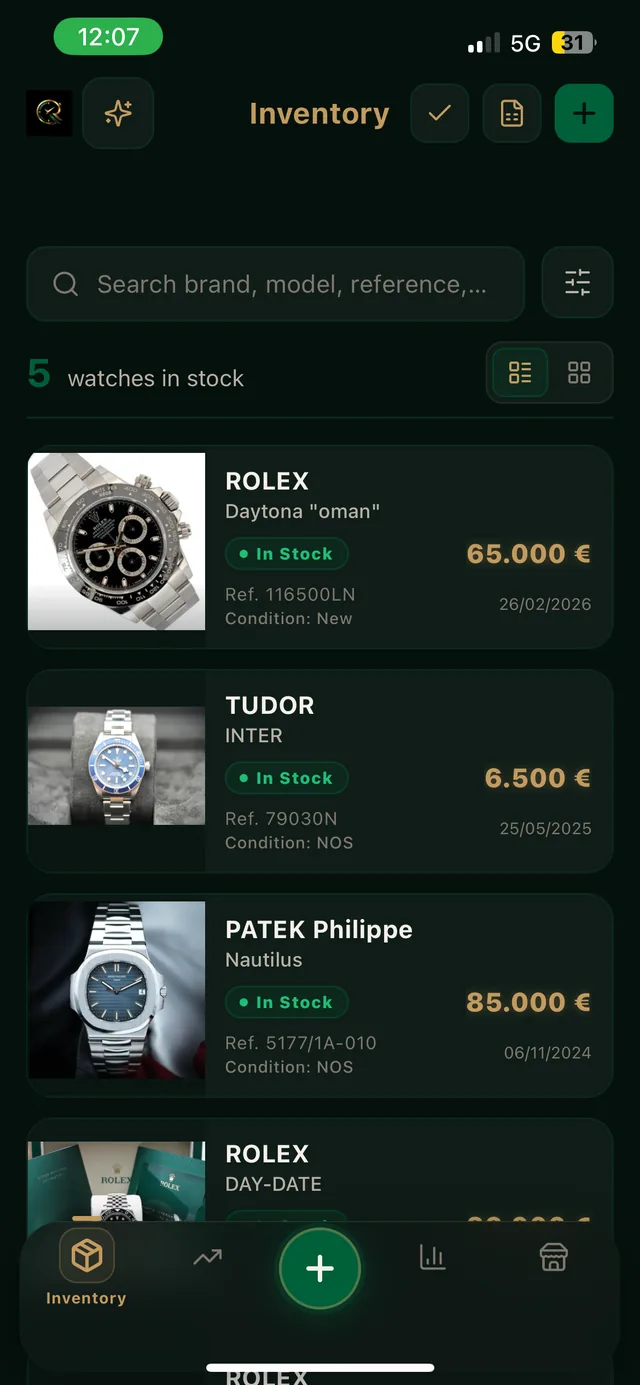
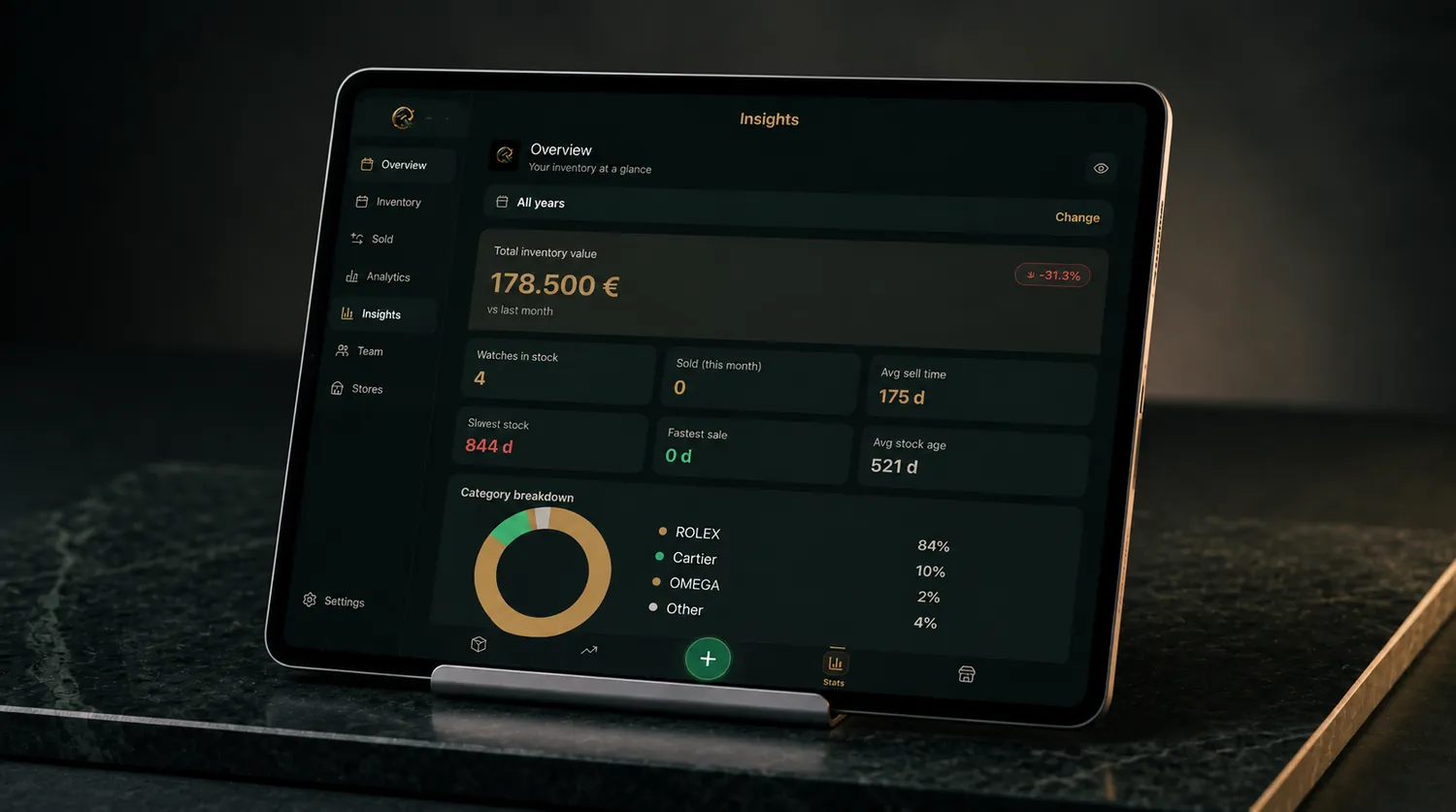
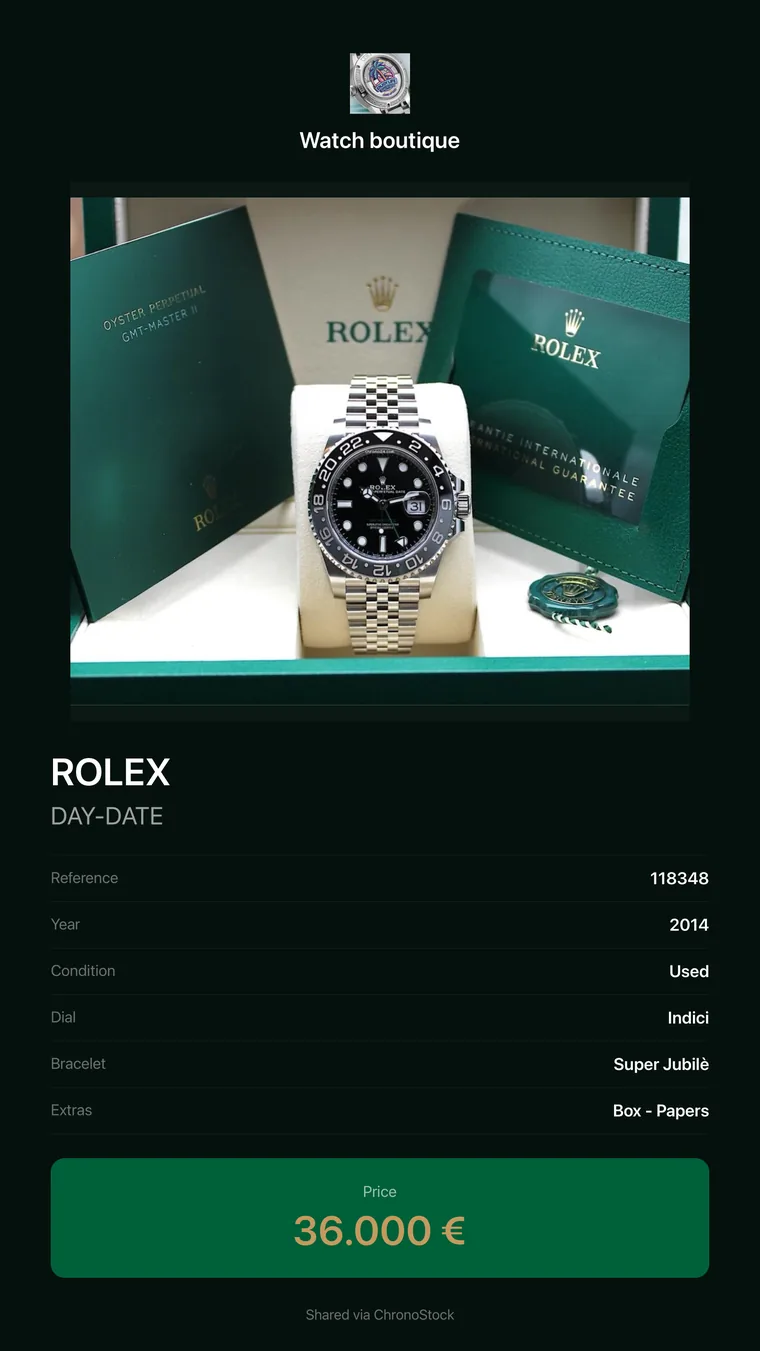
ChronoStock is watch stock management software that covers seven areas of a watch business. It stores every watch with its full details and photos, calculates profit and margin from purchase and selling prices, and turns that data into business intelligence: total inventory value, average time-to-sell, profit by brand, dead-stock alerts and a performance score out of 100. It generates a branded share card for WhatsApp and Instagram Stories, controls what each collaborator can see, backs up your inventory with one tap, and keeps the same data on every device. Everything listed on this page ships in the current version of ChronoStock for iOS and Android, and none of it is a promise: planned work is kept separate on the roadmap page.
Bring your spreadsheet.
Import your existing .xlsx. Use our template, or your own file with the same column names: Purchase Date, Brand, Model, Bracelet, Reference, Serial, Supplier, Dial, Material, Condition, Year, Notes, Purchase Price, Sale Date, Expected Sale Price, Actual Sale Price. Profit and margin are calculated by the app. After the import, check a few watches, especially prices and dates.
The Free plan holds 3 watches. To load a larger file, start the 7-day trial on a paid plan.

Your data
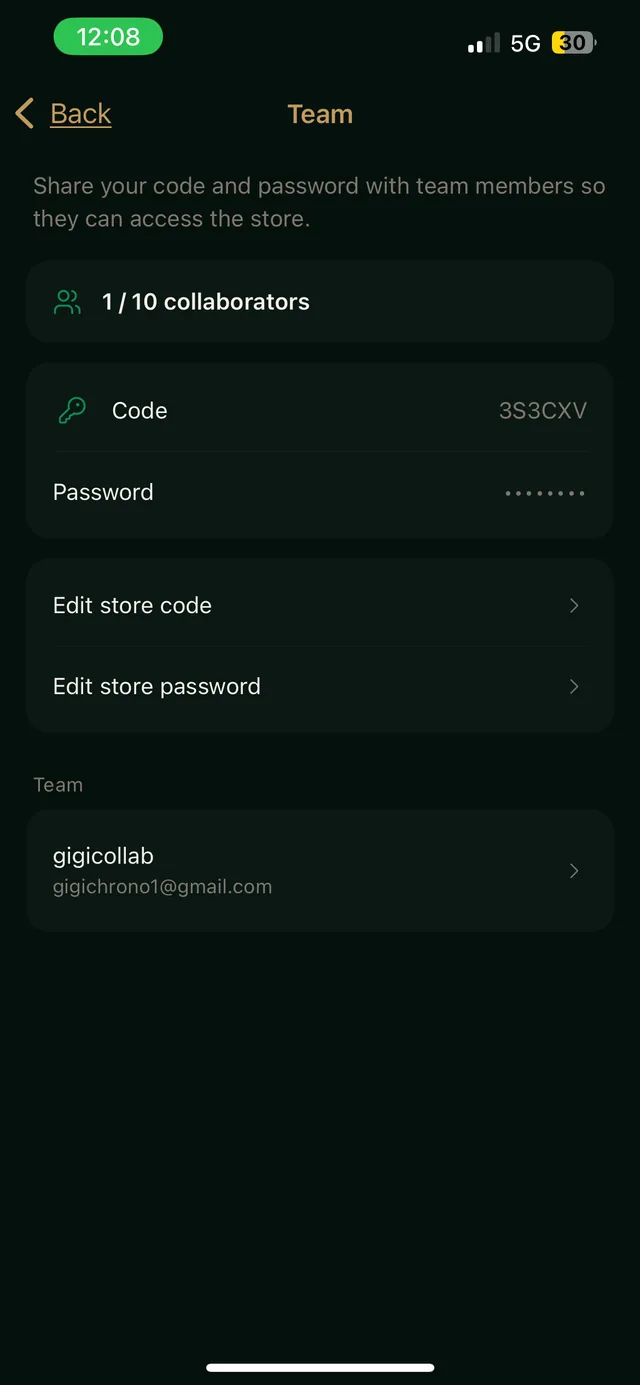
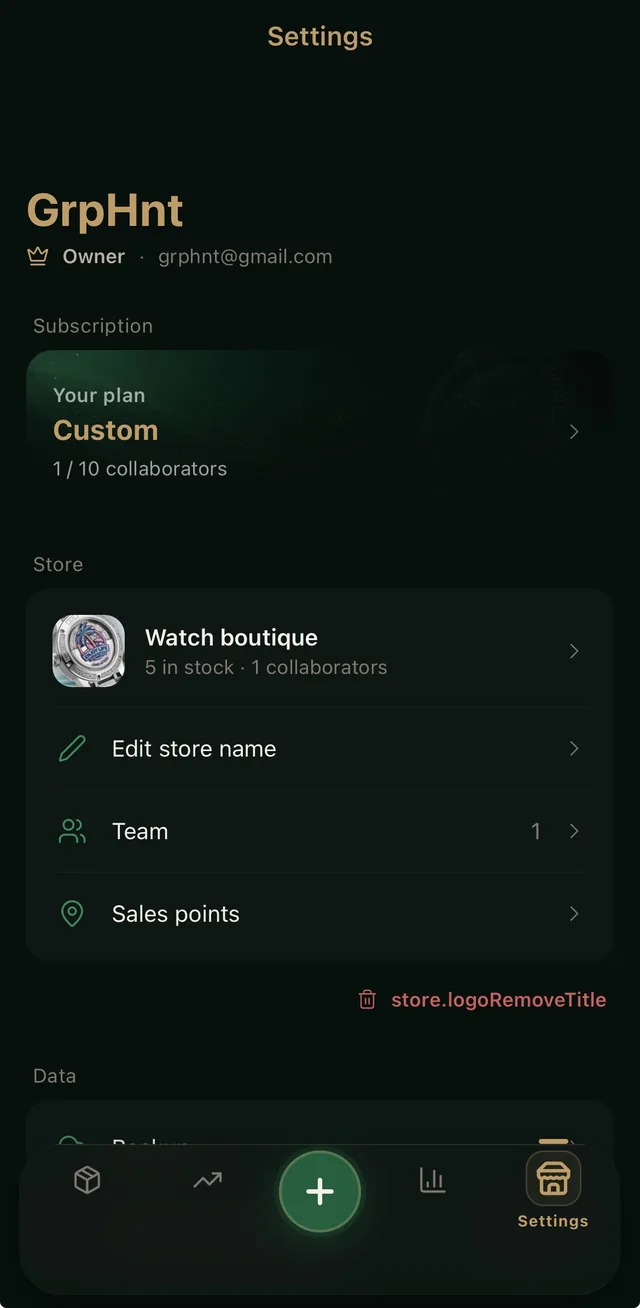
Your inventory records are stored in the EU, on Google Cloud in a European region. Data is encrypted in transit and at rest. Sign-in runs on Firebase Authentication, which operates in the United States: transfers rely on the EU-US Data Privacy Framework and standard contractual clauses. In Pro you choose, for each team member, whether they see purchase prices, profit and margin in the app. You can back up your inventory with one tap, and you can delete your account and its data from the app.
Start free. Upgrade when you grow.
Free plan available — start in 60 seconds.